 1 / 8
Subscription Tracker
Find out what all your subscriptions really cost.
$2.99
One-time paymentSecure checkout by Stripe · Card, Apple Pay, Google Pay
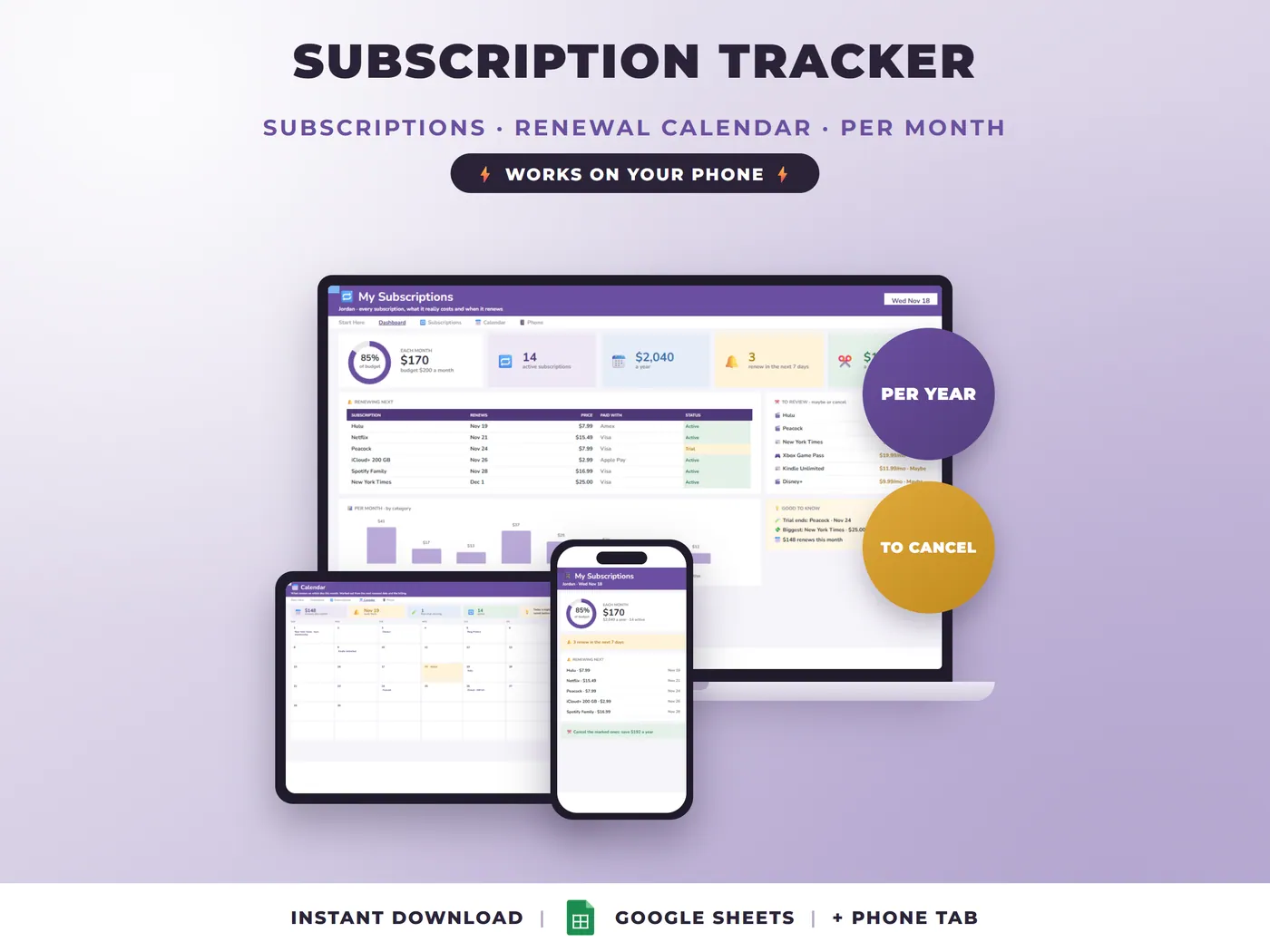
Find out what all your subscriptions really cost. Add each one in this Google Sheets subscription tracker: the cost per month and per year is worked out, a calendar shows what renews on which day and you see how much you save by cancelling.
Step by step
How It Works
- 01
Set it up: your name, a monthly budget and 8 categories you can rename
- 02
Add each subscription: price, billing (weekly, monthly, quarterly, yearly) and next renewal date
- 03
Mark each one Keep, Maybe or Cancel and watch the savings
4 parts
What's inside
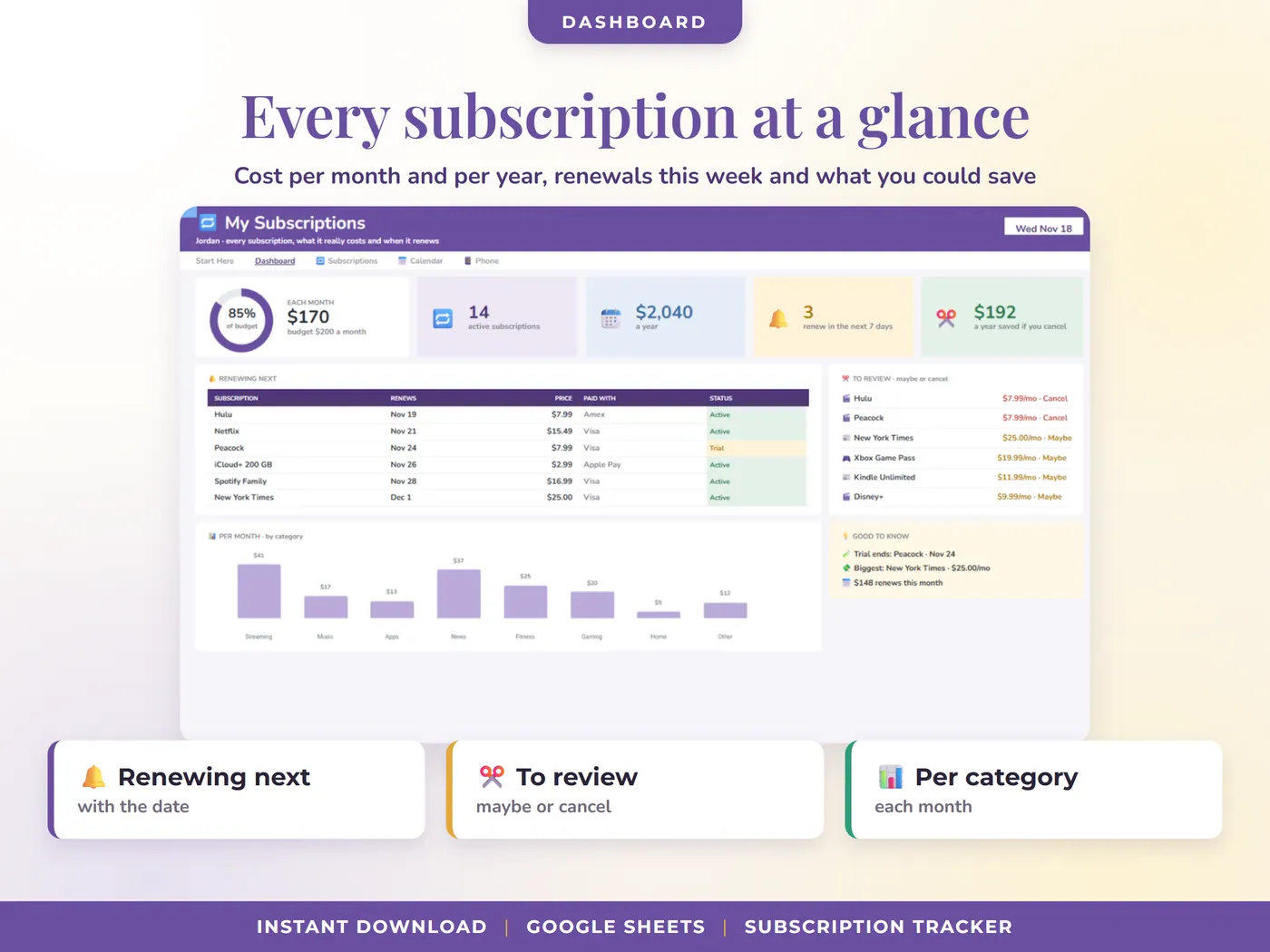
Budget ring, cost per month and per year, renewals in the next 7 days, savings if you cancel, renewing next, to review and cost by category
Price, billing, next renewal, per month, per year, status, card and keep?
This month with what renews on each day
Name, budget and 8 categories. Phone tab: what renews next
Good to know
Works on computer, tablet and phone, in the free Google Sheets app.
Made for Google Sheets, not Excel.
Amounts in US dollars. Nothing is connected to your bank or cards.
What You Get
- A PDF with your link to make your own copy, plus a quick start guide. You need a free Google account. Pay once, no subscription, private in your own Google Drive. The names and numbers in the photos are examples: your copy starts empty.
- Digital download, nothing will be shipped. No returns on digital items. For personal use only.
Delivered instantly · $2.99 · pay once