 1 / 8
Etsy Seller Tracker
Know your real Etsy profit without typing every sale.
$4.99
One-time paymentSecure checkout by Stripe · Card, Apple Pay, Google Pay
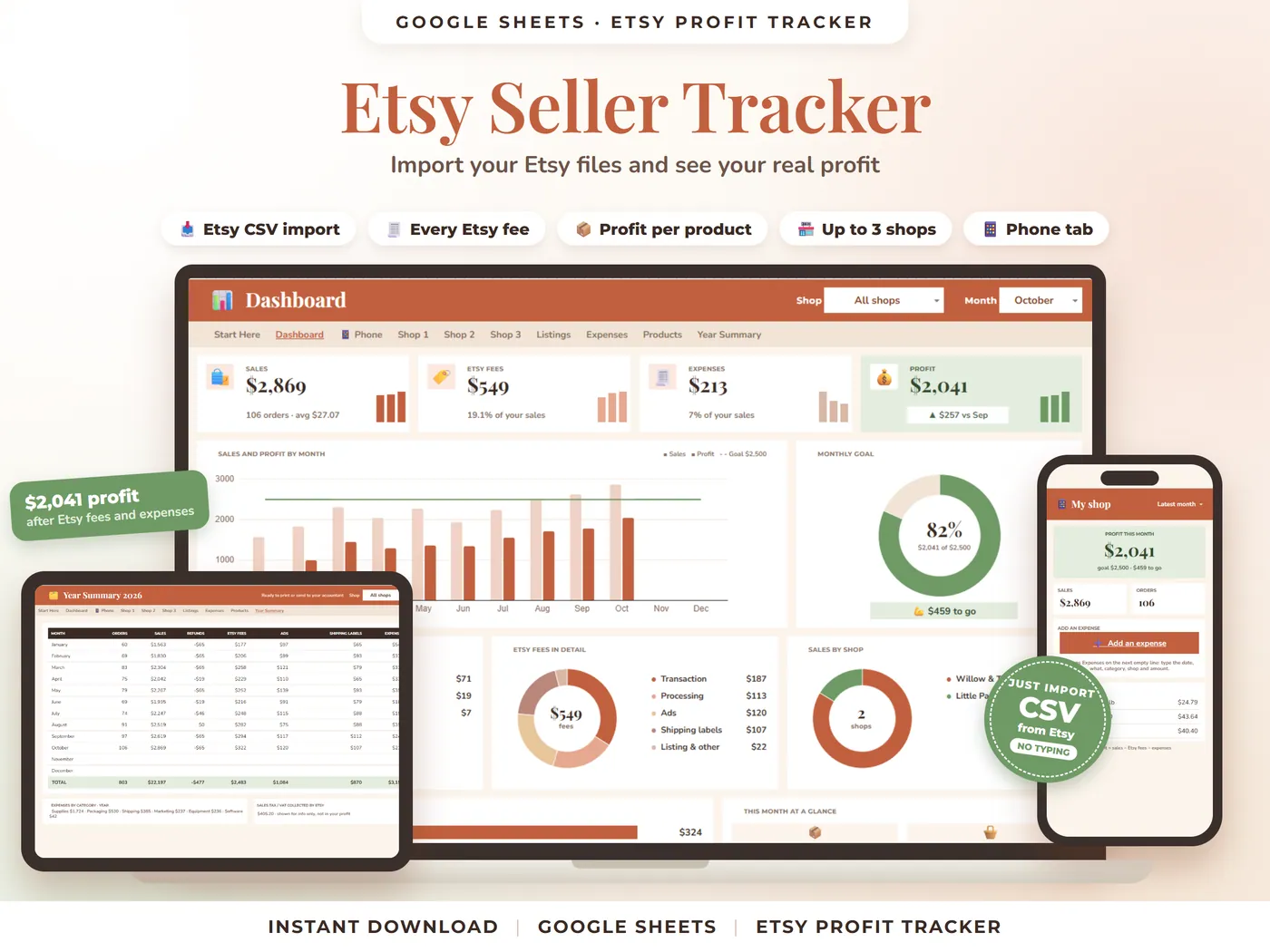
Know your real Etsy profit without typing every sale. Download your monthly statement CSV on Etsy, add it to this Google Sheet, and your sales, refunds, Etsy fees, ads, shipping labels, expenses and profit are calculated for you. No formulas to write, no script, no bank connection. One simple gesture each month: File > Import > Append to current sheet. Pictures inside the sheet show you how.
Made for you if...
Your routine
When To Use It
Today, to set your currency and shop names (about 10 minutes)
Once a month, to import your new Etsy statement CSV
Each time you buy supplies, packaging or software, to note it (on your phone too)
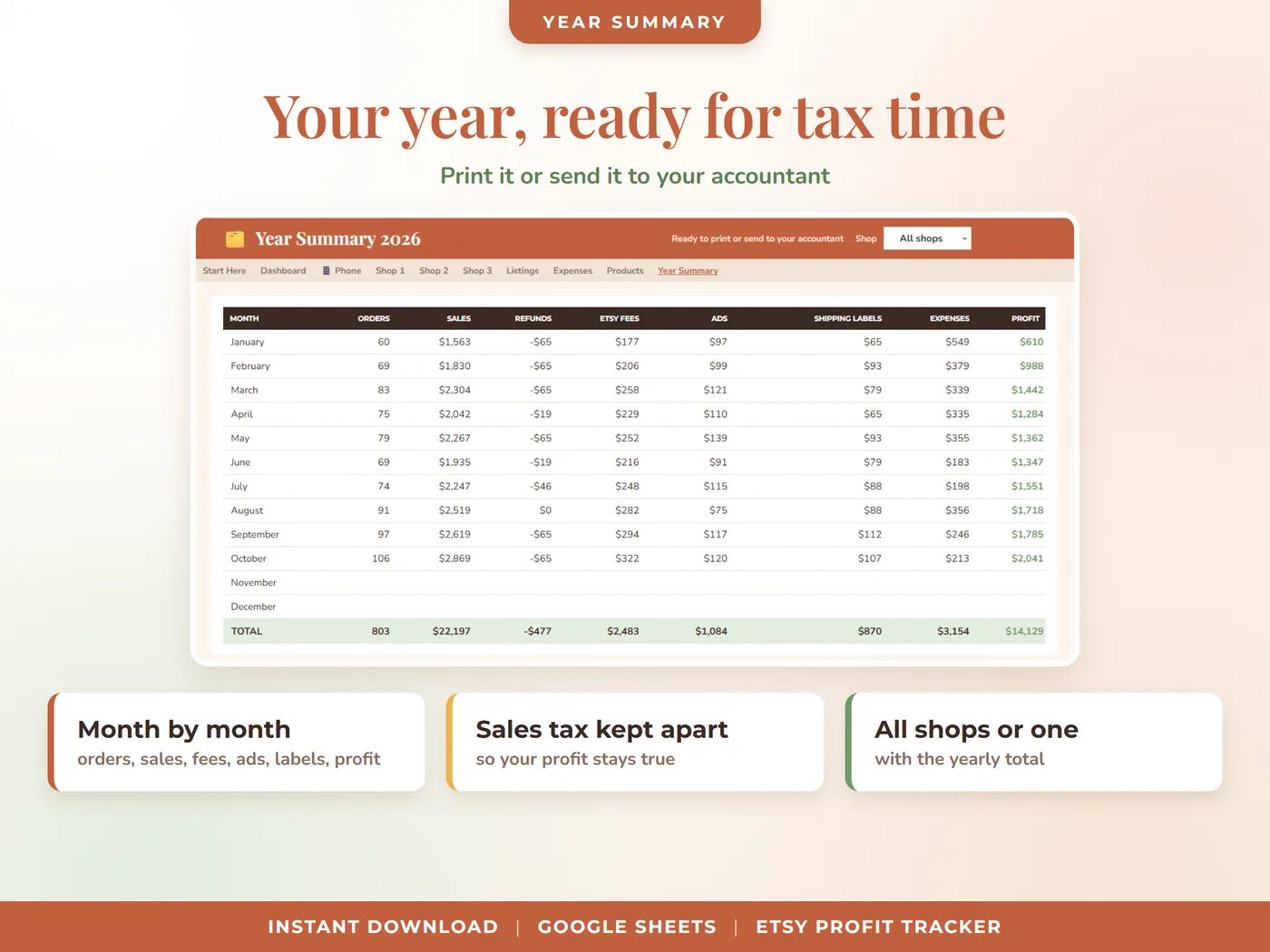
At the end of the year, to print your year summary or send it to your accountant
8 tabs
What's inside
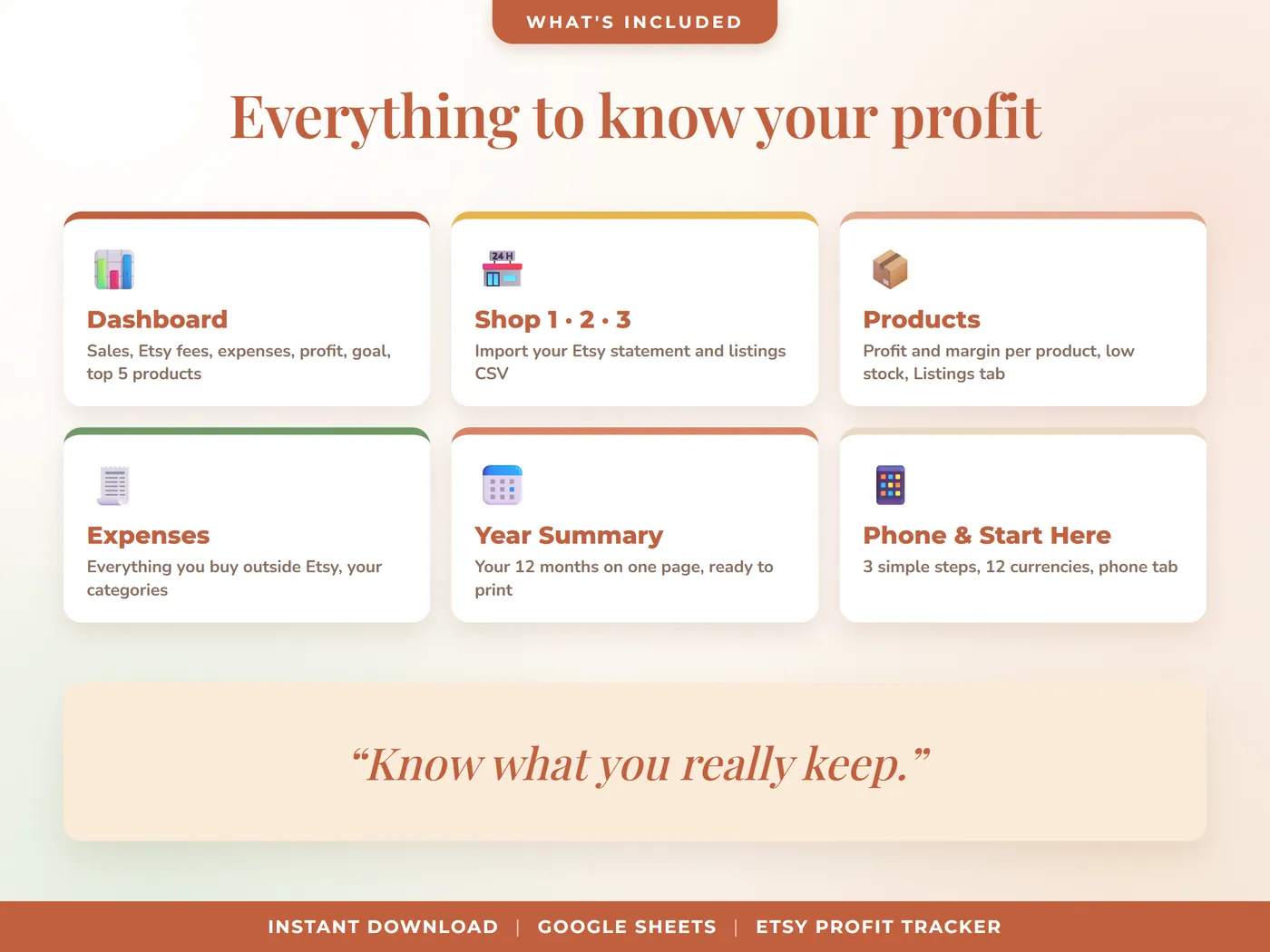
3 simple steps, your settings (currency, year, monthly profit goal, shop names, Etsy fees) and one-click buttons
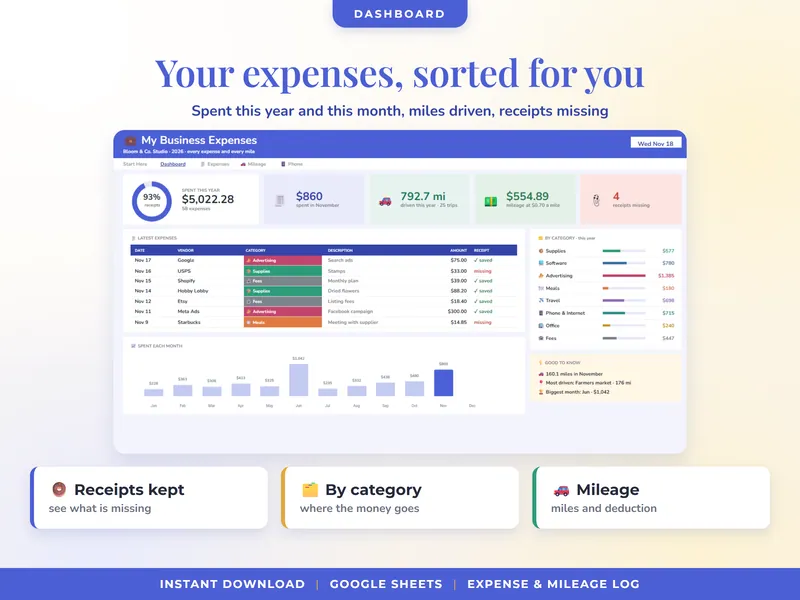
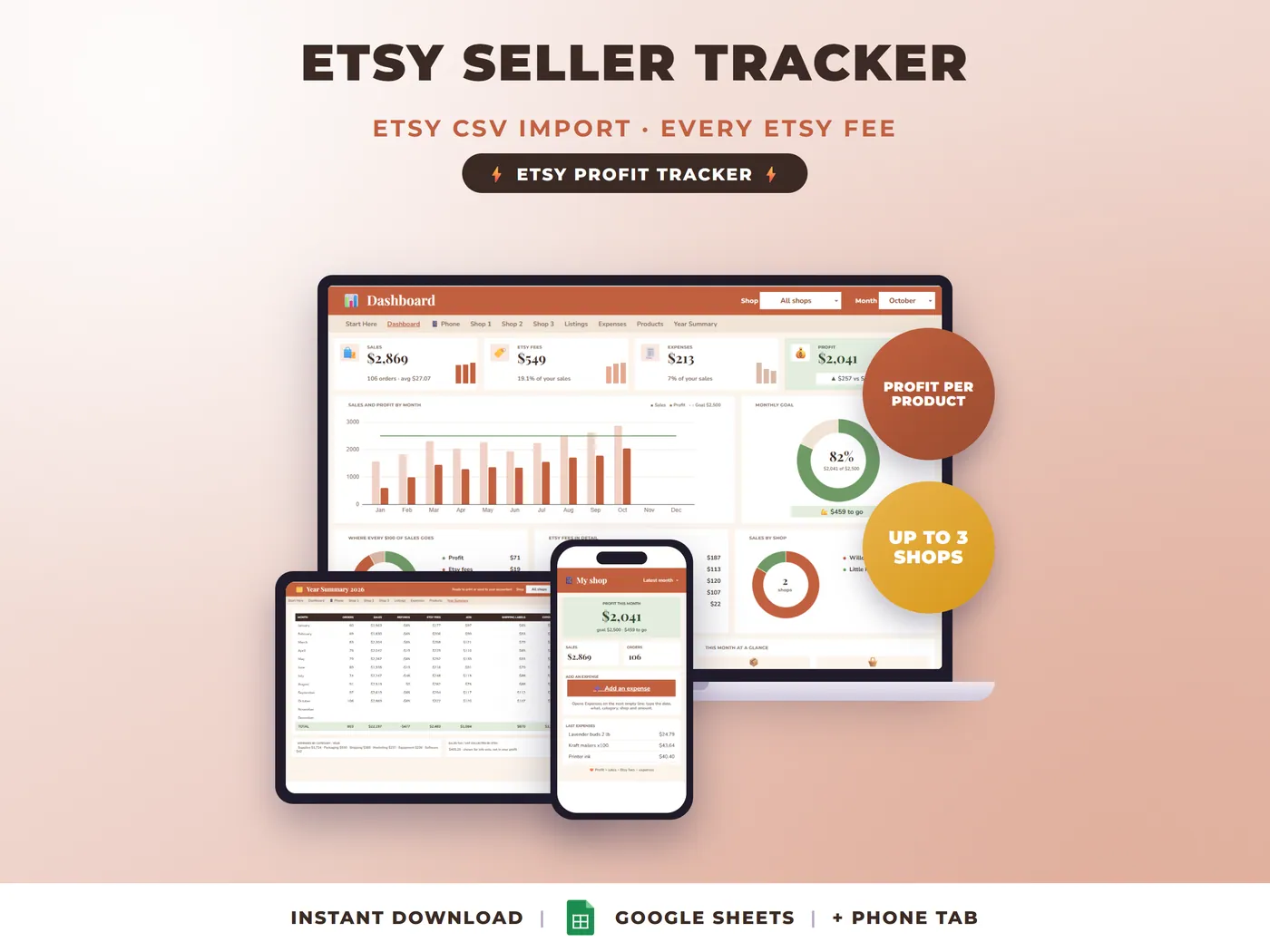
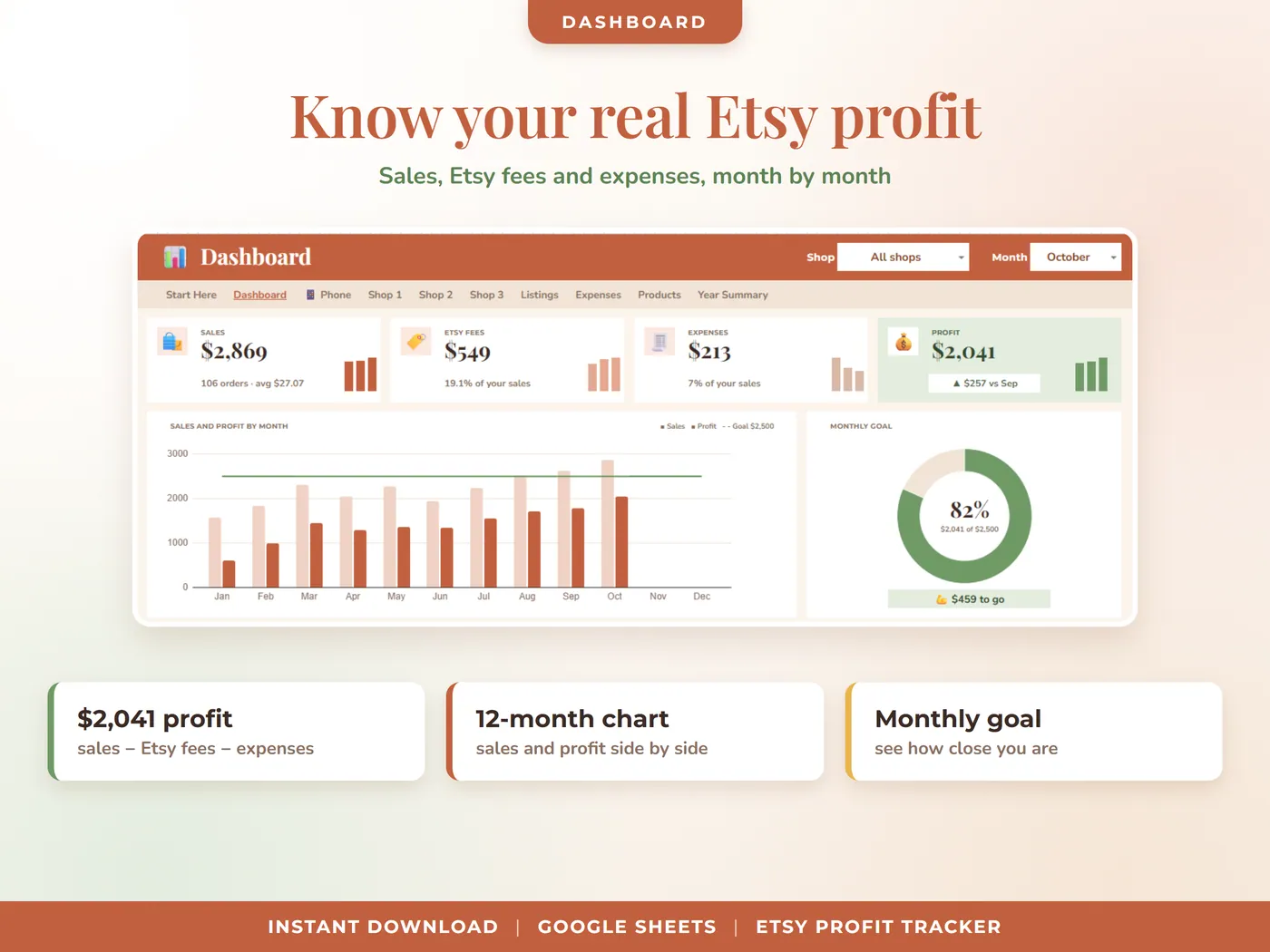
Sales, Etsy fees, expenses and profit for the month, sales and profit by month chart, monthly goal, where every $100 of sales goes, Etsy fees in detail (transaction, processing, ads, shipping labels, listing and other), sales by shop, top 5 products by profit. Filter by shop and month
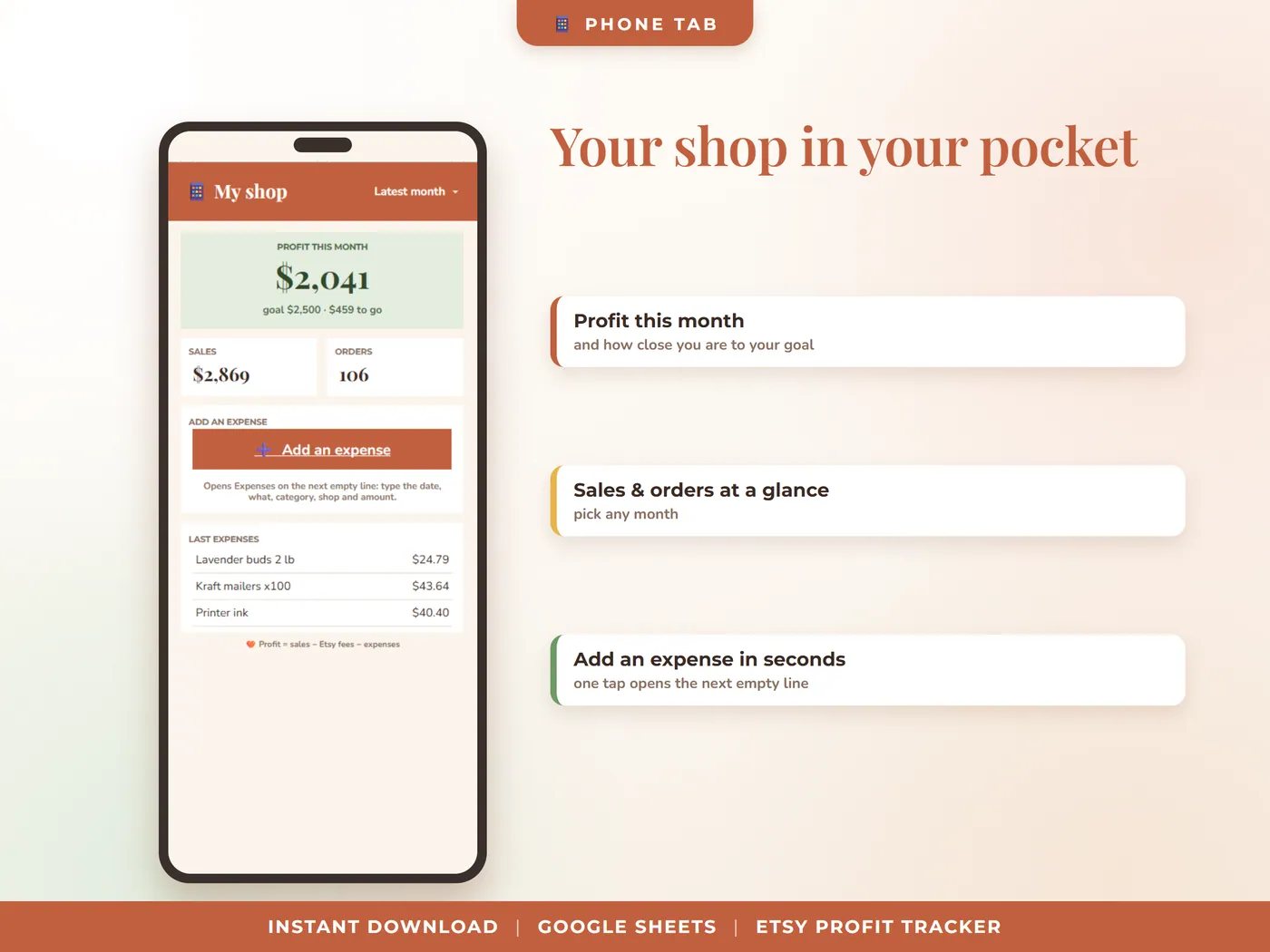
One simple page made for your phone with your profit, sales, orders, an "Add an expense" button and your last expenses
Where your Etsy CSV files go, with picture instructions and month pills that tick themselves
Your products and stock, filled in by itself from your Etsy Listings CSV
One line per purchase outside Etsy, your own categories, this month by category
Add what one item costs you and see the profit and margin of each product, products sold at a loss and low stock
Orders, sales, refunds, fees, ads, shipping labels, expenses and profit for every month, with the yearly total. Ready to print
Easy To Use
- Works from the real Etsy CSV files: statement each month, listings once
- Imported the same month twice? Only the newest counts
- Sales tax and VAT collected by Etsy are kept apart, so your profit stays true
- Etsy fee rates you can change if yours are different
- 12 currencies ($, €, £, CAD, AUD, NZD, SEK, DKK, NOK, CHF, INR, JPY); a shop in another currency? Type its rate
- Warm terracotta, cream and sage design
Computer, Tablet Or Phone?
On a computer (Mac or Windows, in any web browser): to import your Etsy CSV files and set up
On your phone or tablet (free Google Sheets app): open the Phone tab to check your month and add an expense
Everything stays in sync on all your devices
What You Get
- A Google Sheets Etsy profit tracker: you get your own private copy with one click
- A PDF with your access link, a quick start guide (where to download your Etsy files and how to import them) and answers to common questions
Delivered instantly · $4.99 · pay once
What You Need
- A free Google account
- A computer to import your Etsy CSV files
- This template is made for Google Sheets; it does not work in Excel or Numbers
Step by step
How To Get Started
- 01
Buy it here: your download page opens right away, with your link and the PDF
- 02
Click the link in the PDF and choose "Make a copy"
- 03
In Start Here, choose your currency and type your shop names
- 04
In your Shop tab, import your Etsy statement CSV, then see your real profit on the Dashboard
Why You'll Love It
- Pay once, no monthly fee, no app to connect to your Etsy account
- No typing every sale: your Etsy files do the work
- See exactly how much Etsy fees and ads cost you
- Your data stays private in your own Google Drive
Please Note
- This is a digital download; no physical item will be shipped
- Because of the digital nature of this item, returns and refunds are not accepted
- This is a profit tracker, not an accounting or tax tool; it does not calculate taxes
- Not affiliated with or endorsed by Etsy, Inc.
- For personal use only; please do not share or resell the template
- Questions? Send me a message on Etsy, I'm happy to help you get set up.