 1 / 8
Debt-Free Plan
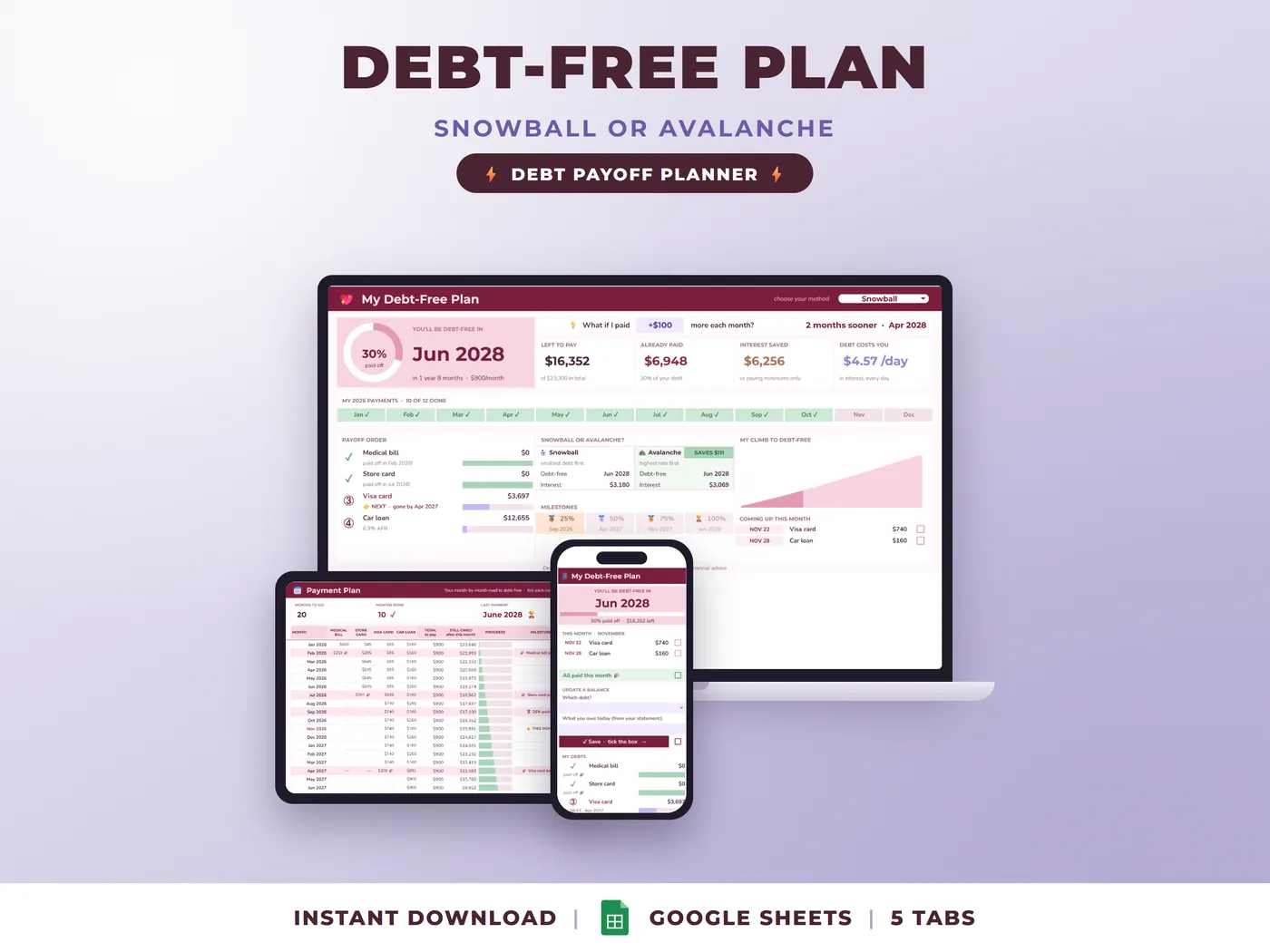
This debt payoff tracker for Google Sheets shows you the exact month you'll be debt-free.
$4.99
One-time paymentSecure checkout by Stripe · Card, Apple Pay, Google Pay
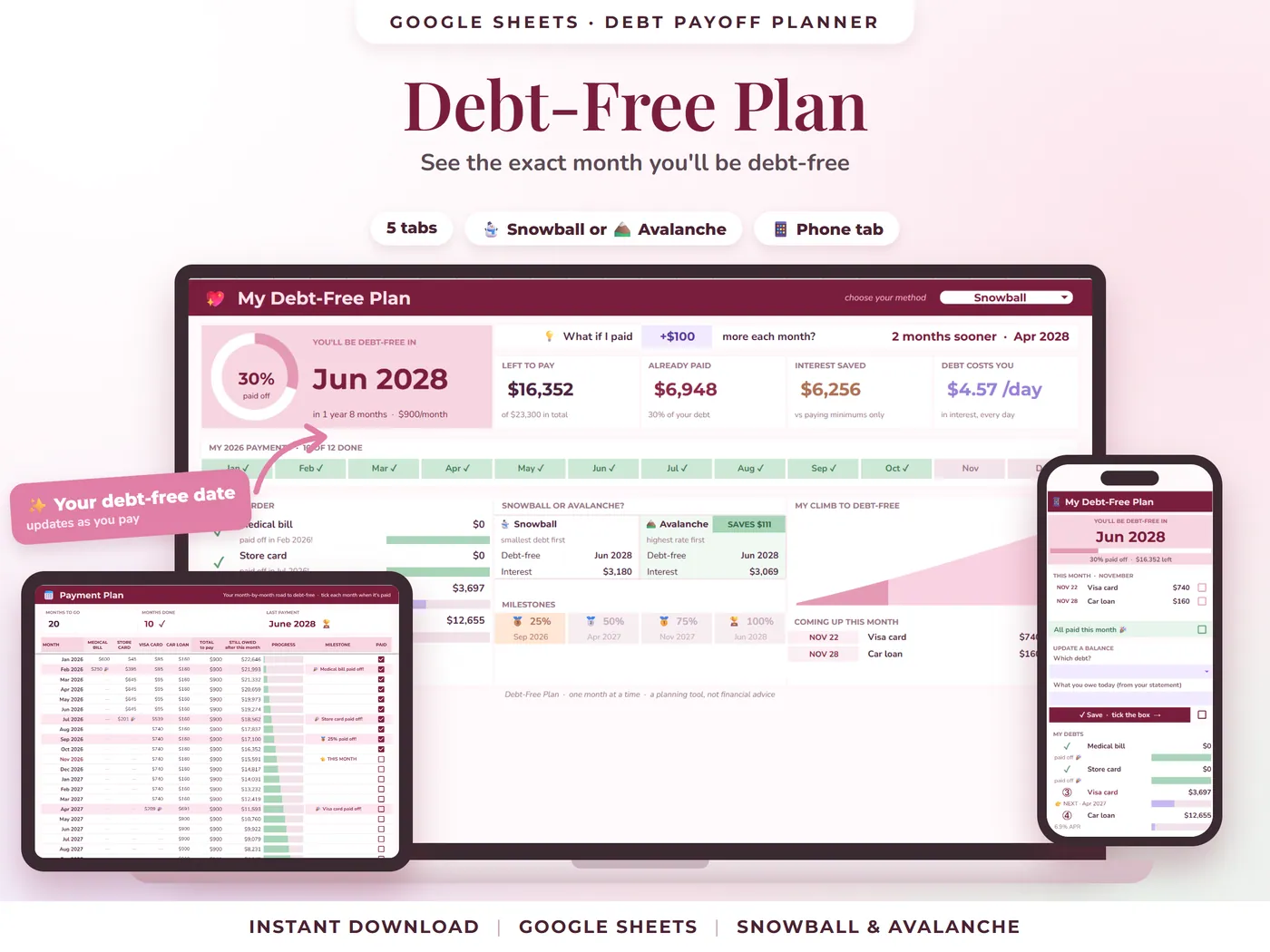
This debt payoff tracker for Google Sheets shows you the exact month you'll be debt-free. List your credit cards, car loan, student loans and medical bills, type what you can pay each month, and it builds your plan for you: what to pay on each debt, in which order, every month, until the last one is gone. Choose the debt snowball method (smallest debt first, quick wins) or the debt avalanche method (highest interest first, less interest). The dashboard compares both and shows which one saves you more money.
Made for you if...
Your routine
When To Use It
Today, to see your debt-free date for the first time
Each month, to know exactly what to pay on each debt
When you get a raise, a bonus or a tax refund: see how many months sooner you could be free
After each statement, to update what you owe in a few seconds
5 tabs
What's inside
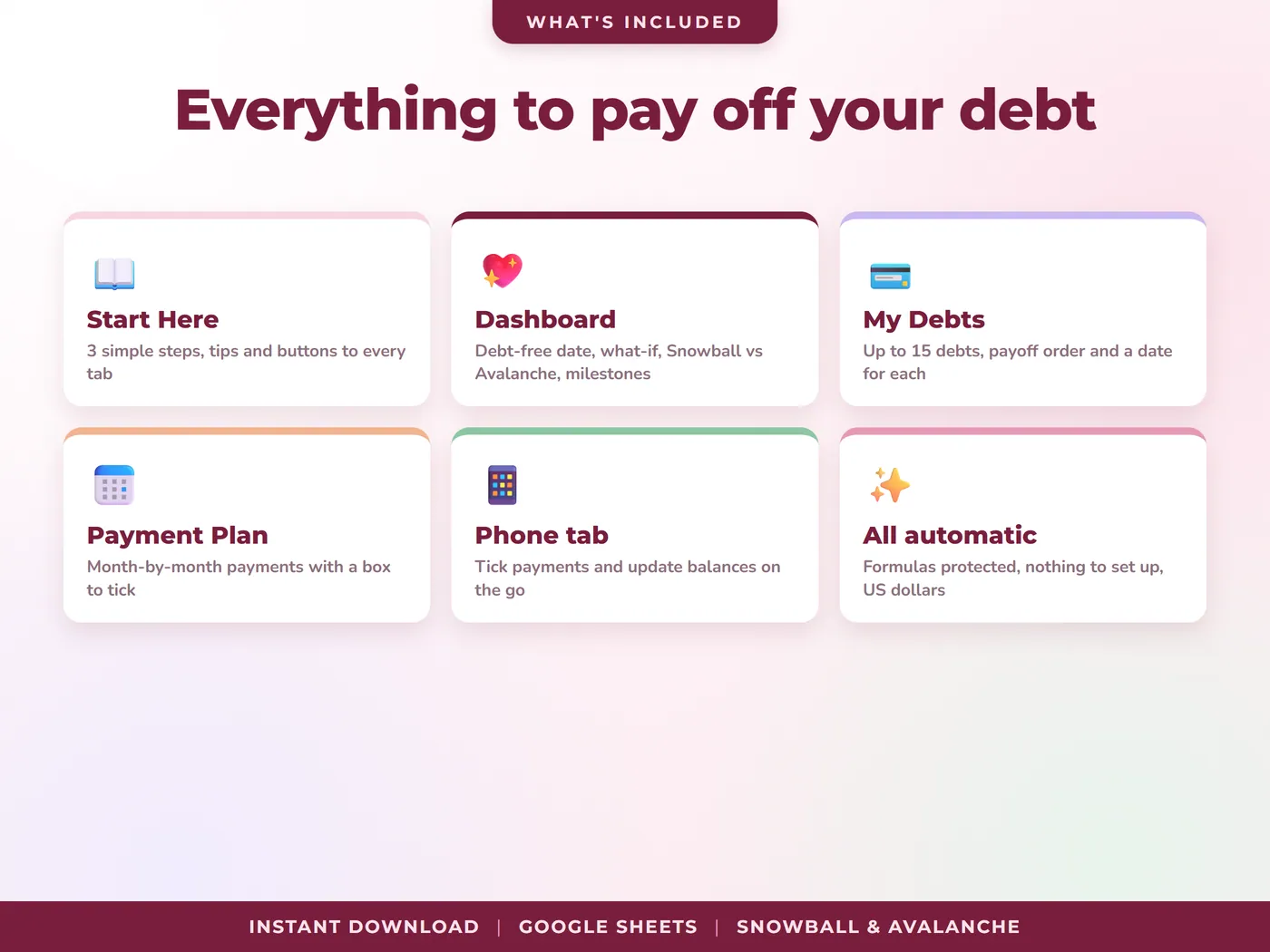
3 simple steps and one-click buttons to every tab
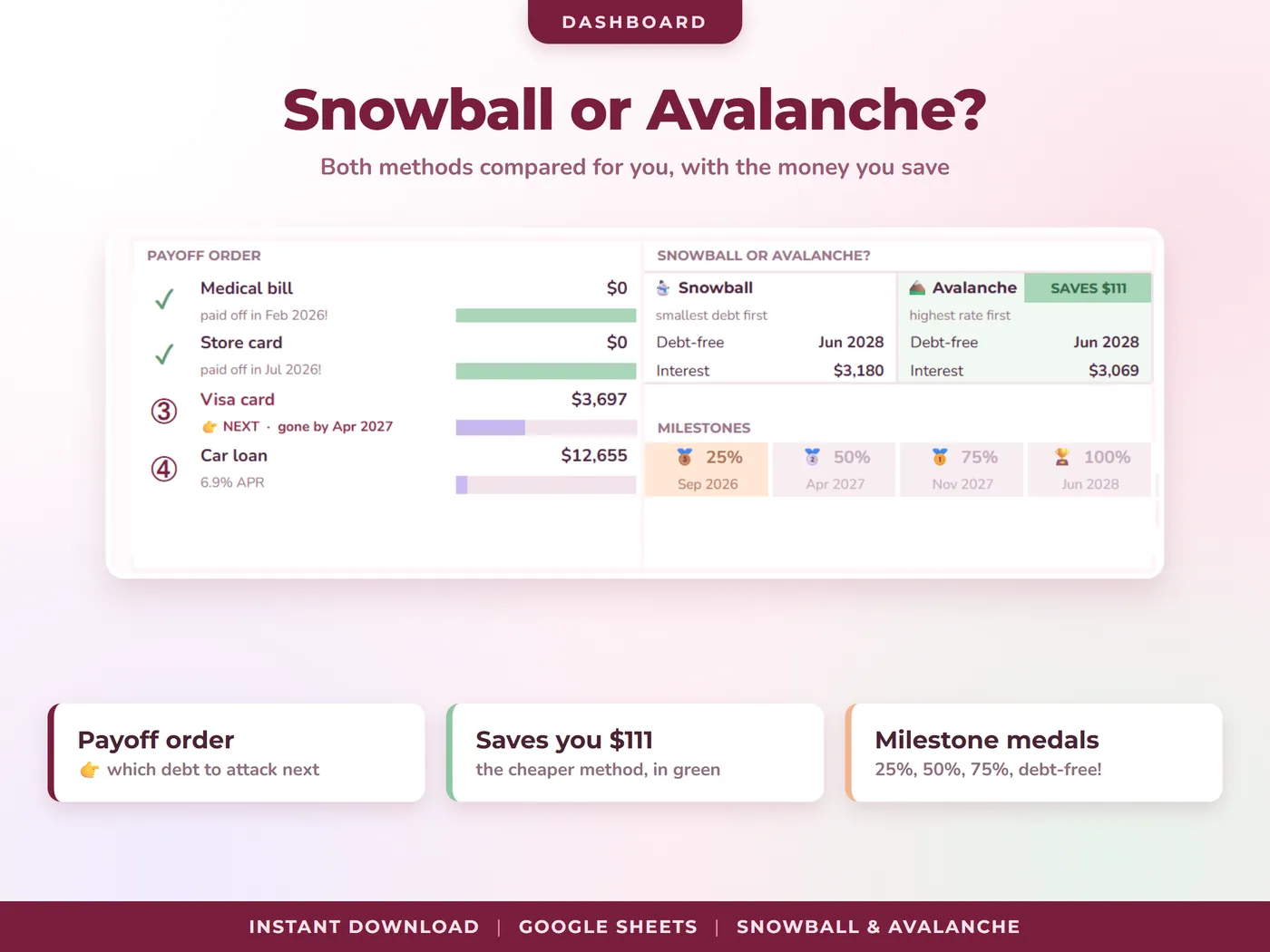
Pick Snowball or Avalanche at the top, then see your debt-free date, % paid off, what's left to pay, interest saved, what your debt costs you every day, a "what if I paid more?" calculator, your 12 months to tick, your payoff order, Snowball vs Avalanche side by side, milestone medals (25%, 50%, 75%, debt-free) and a chart of your climb
One simple page made for your phone. Tick this month's payments, save a new balance and see your debt-free date
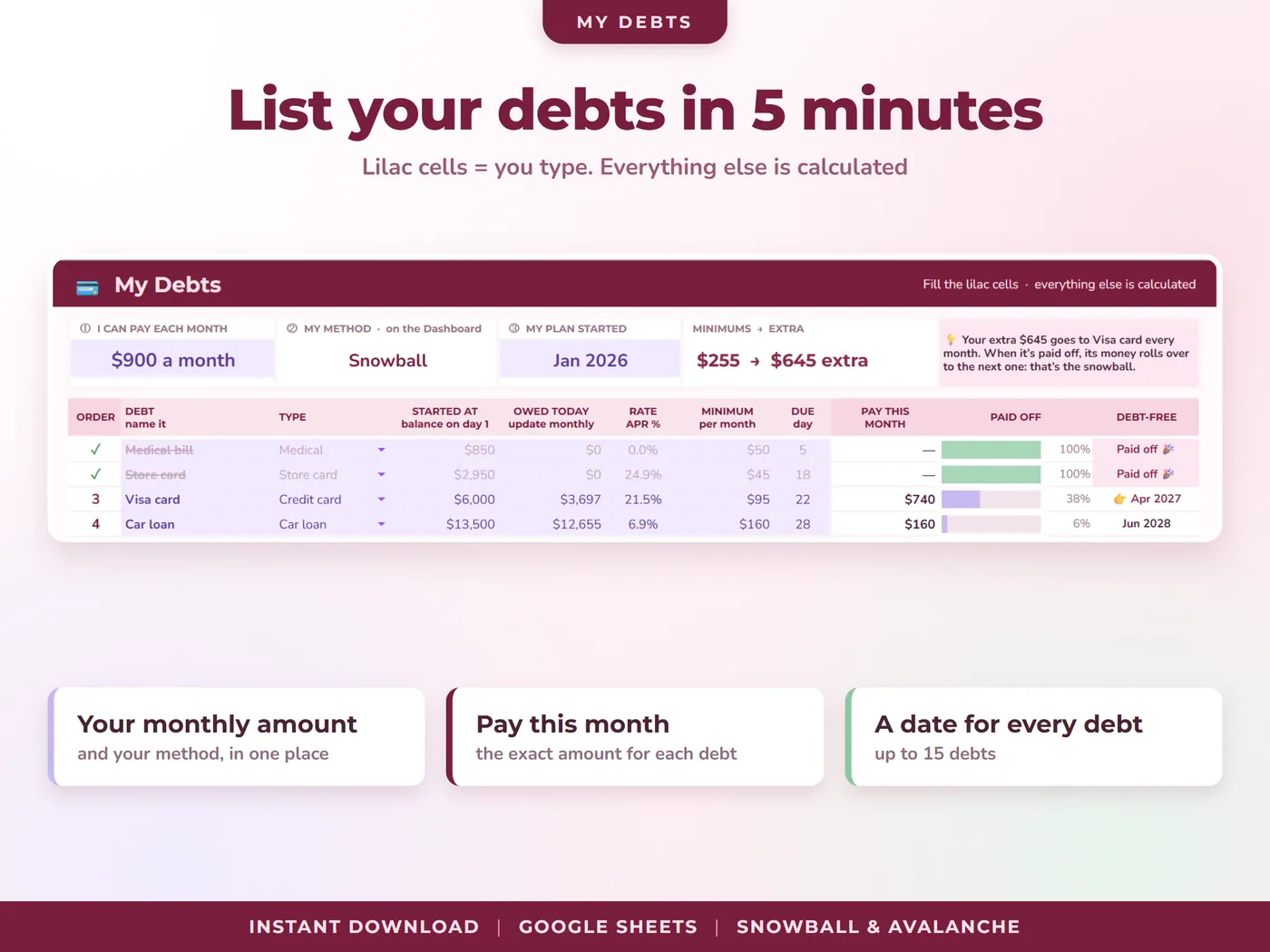
Up to 15 debts with balance, rate, minimum and due day. It tells you the payoff order, what to pay this month on each debt and the month each one will be paid off
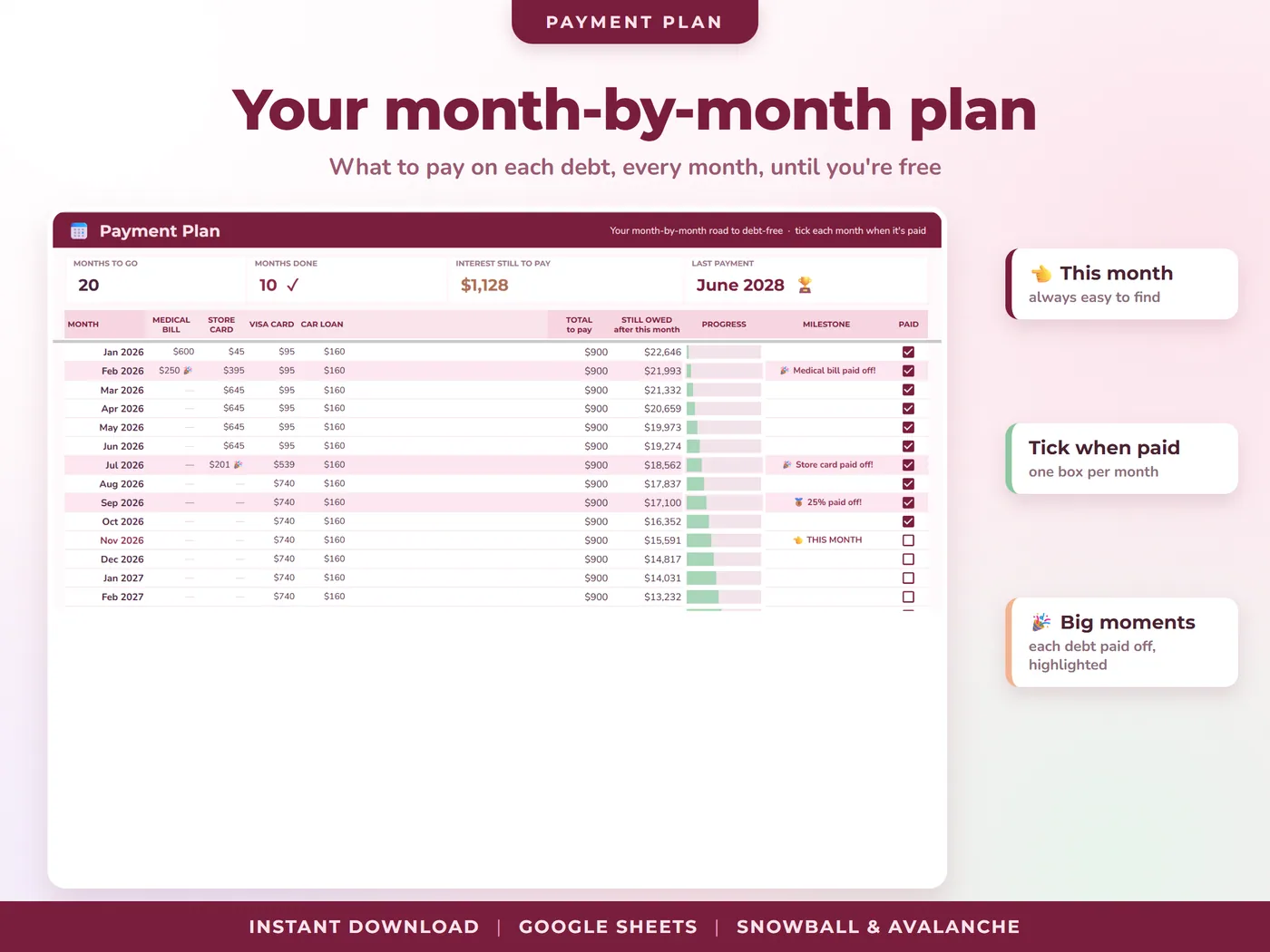
Your month-by-month road to debt-free, with a box to tick each month and the big moments highlighted
Easy To Use
- Lilac cells are yours to fill in; everything else is calculated
- Formulas are protected, so you can't break them by mistake
- Once a month, type what you owe today and the whole plan updates
- Each debt gets a "next" label so you always know where to send extra money
- Pastel and burgundy design, easy on the eyes
Computer, Tablet Or Phone?
On a computer (Mac or Windows, in any web browser): the easiest way to enter your debts the first time
On your phone or tablet (free Google Sheets app for iPhone, iPad and Android): open the Phone tab to tick payments and update a balance
Everything stays in sync on all your devices
What You Get
- A Google Sheets debt payoff template: you get your own private copy with one click
- A PDF with your access link, a quick start guide and answers to common questions
Delivered instantly · $4.99 · pay once
What You Need
- A free Google account
- A computer is recommended for the first setup
- This tracker is made for Google Sheets; it does not work in Excel or Numbers
Step by step
How To Get Started
- 01
Buy it here: your download page opens right away, with your link and the PDF
- 02
Click the link in the PDF and choose "Make a copy"
- 03
List your debts in the lilac cells of My Debts
- 04
Type what you can pay each month and choose Snowball or Avalanche
Why You'll Love It
- Pay once, no monthly fee
- You see your debt-free date, not just a list of numbers
- Small wins to celebrate every month
- Your data stays private in your own Google Drive
Please Note
- This is a digital download; no physical item will be shipped
- Because of the digital nature of this item, returns and refunds are not accepted
- Amounts are in US dollars
- This tracker is a planning tool, not financial advice; check your exact balances and rates on your statements
- For personal use only; please do not share or resell the template