 1 / 8
Content Calendar
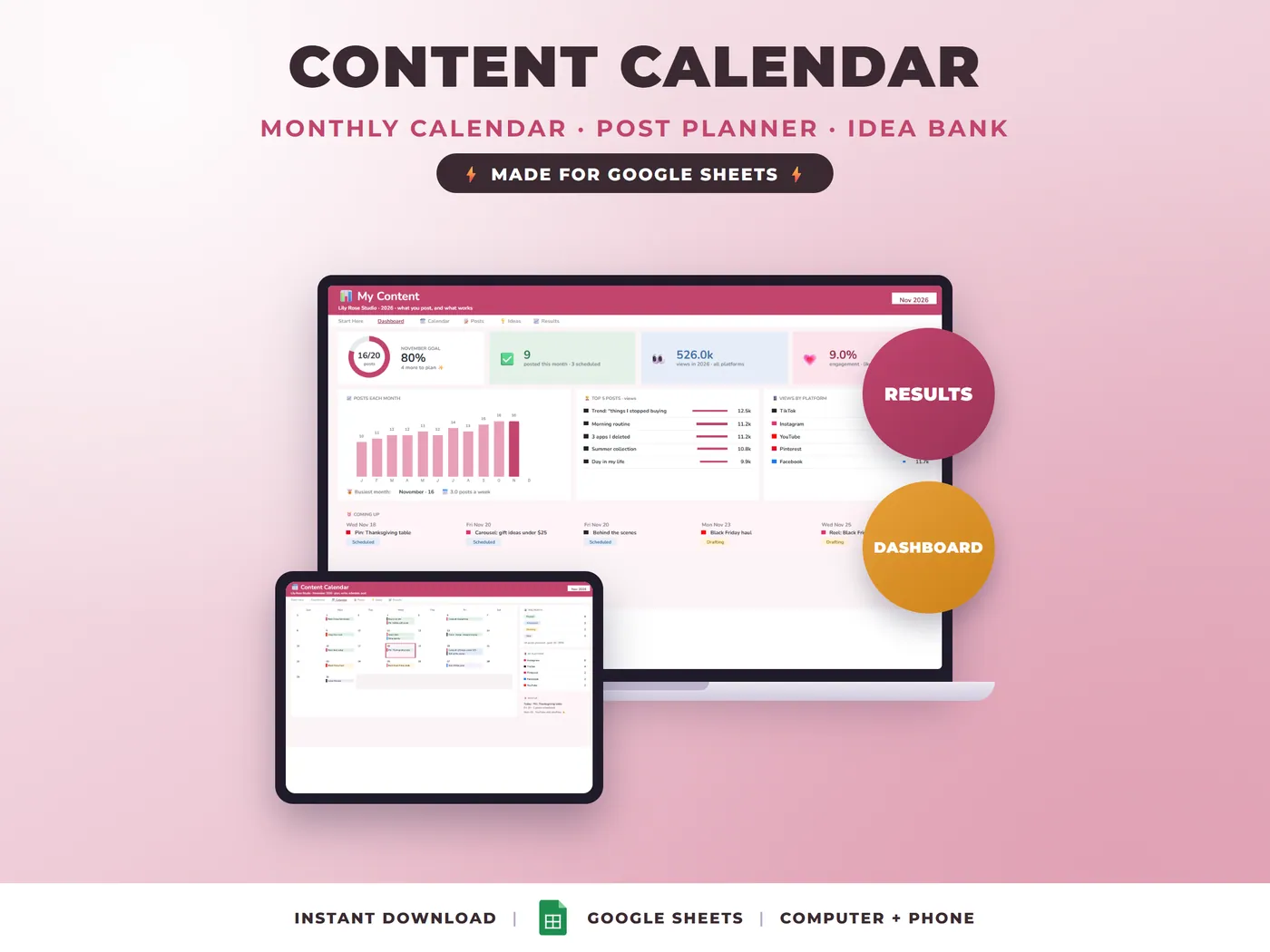
Posting on Instagram, TikTok, YouTube or Pinterest? This Google Sheets content calendar keeps every post in one place: plan it, move it from idea to posted, and see what works best once it is out.
$2.99
One-time paymentSecure checkout by Stripe · Card, Apple Pay, Google Pay
Posting on Instagram, TikTok, YouTube or Pinterest? This Google Sheets content calendar keeps every post in one place: plan it, move it from idea to posted, and see what works best once it is out.
Step by step
How It Works
- 01
Set it up: your brand, how many posts a month you aim for, up to 8 platforms and your content pillars
- 02
Add each post in one line: date, platform, format, status and pillar from the lists
- 03
Pick the month in the Calendar: every post shows on its day. Once it is out, type its views and likes
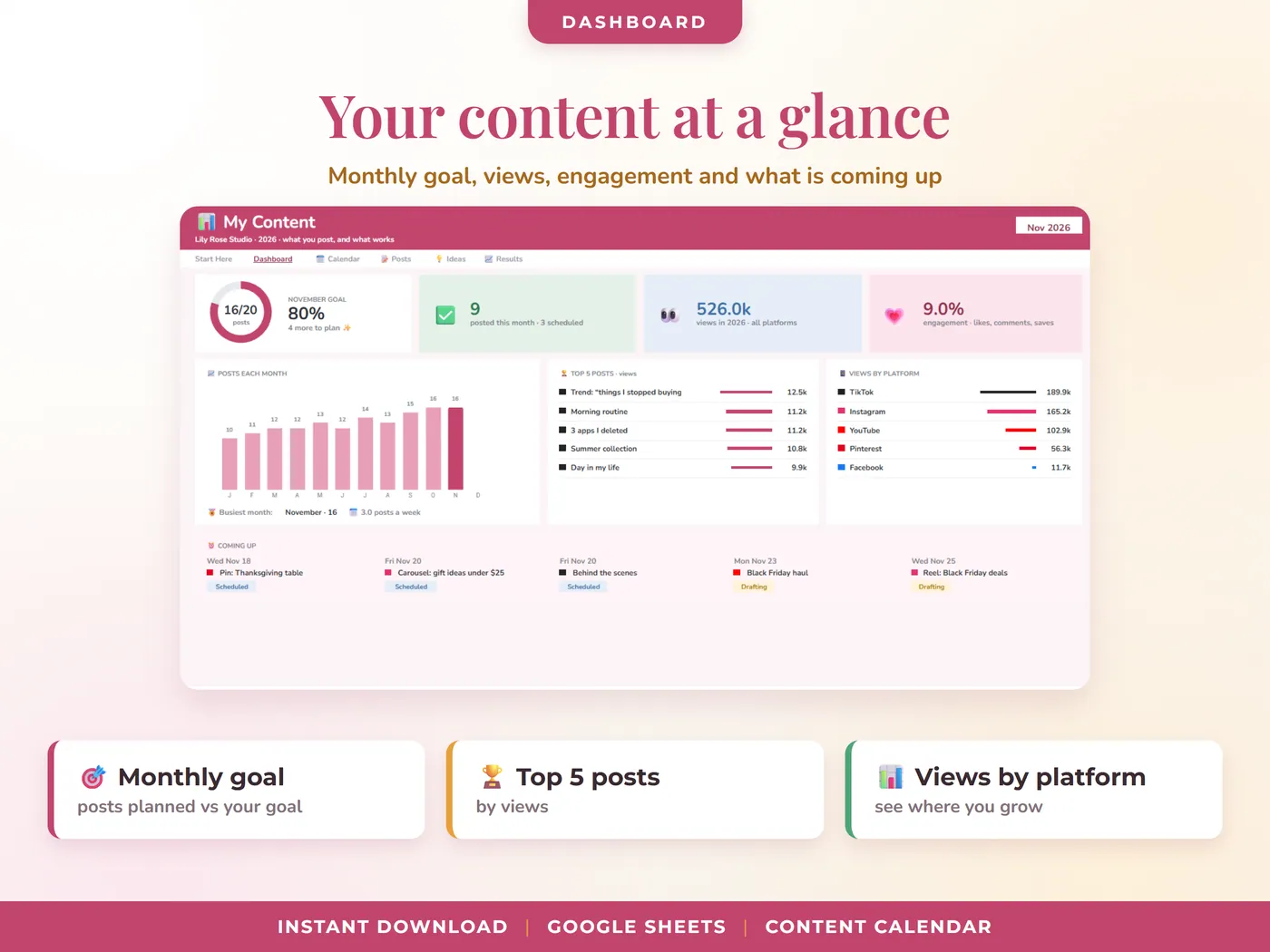
6 parts
What's inside
Your monthly goal ring, posts this month, views, engagement rate, posts each month, your top 5 posts, views by platform and what is coming up
Your month at a glance with every post on its day in its status colour, this month by status and platform, and what is next
One line per post with platform, format, title, status, pillar, views, likes, comments and saves
An idea bank with platform, format, pillar and priority (Hot, Good, Later)
Your top 10 posts, posts by format, average views by platform and what works for you
Your brand, monthly goal, platforms and pillars
Good to know
Works on computer, tablet and phone, in the free Google Sheets app.
Made for Google Sheets, not Excel.
Nothing is connected to your accounts: you type your own posts and numbers.
What You Get
- A PDF with your link to make your own copy, plus a quick start guide. You need a free Google account. Pay once, no subscription, private in your own Google Drive. The names and numbers in the photos are examples: your copy starts empty.
- Digital download, nothing will be shipped. No returns on digital items. For personal use only.
Delivered instantly · $2.99 · pay once