 1 / 8
ADHD-Friendly Budget Dark Mode
The dark mode version, easy on the eyes day and night.
$2.99
One-time paymentSecure checkout by Stripe · Card, Apple Pay, Google Pay
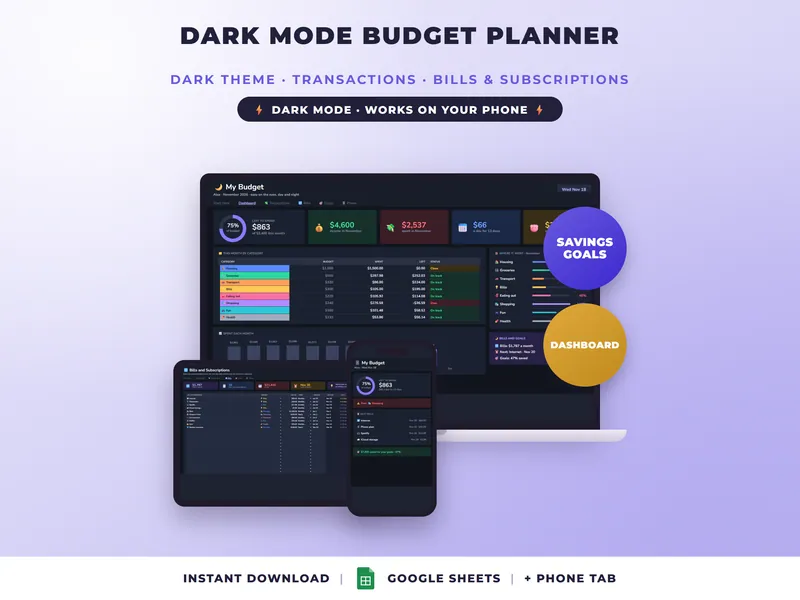
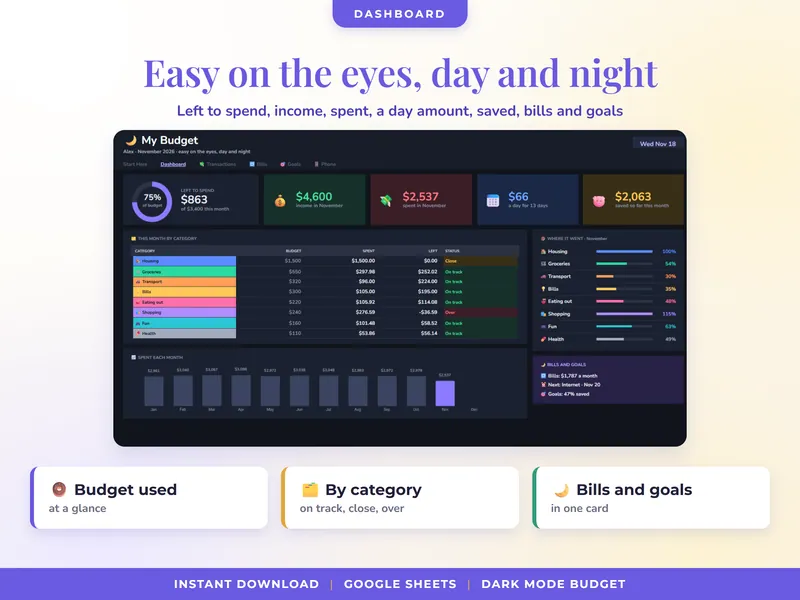
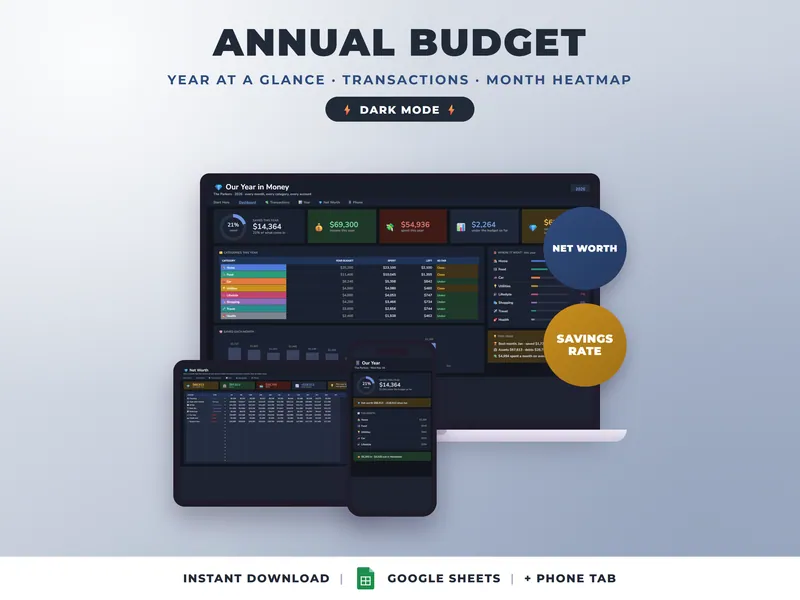
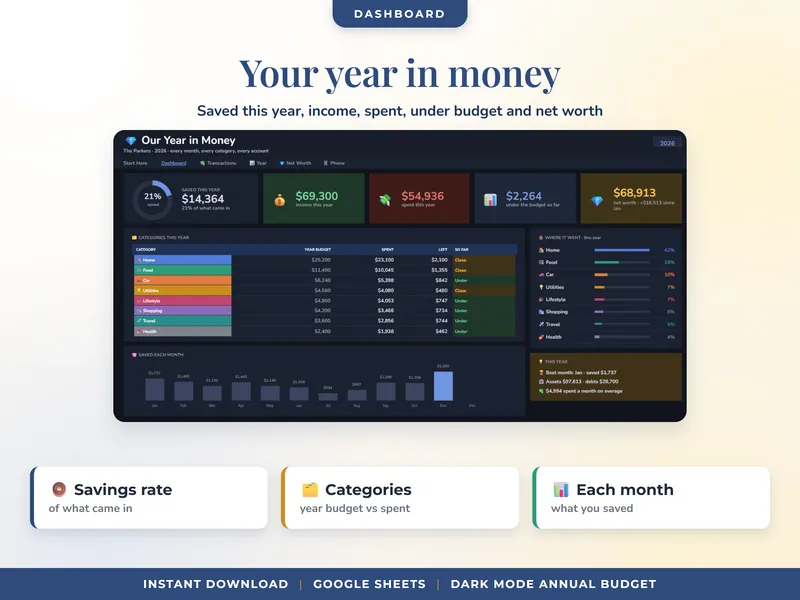
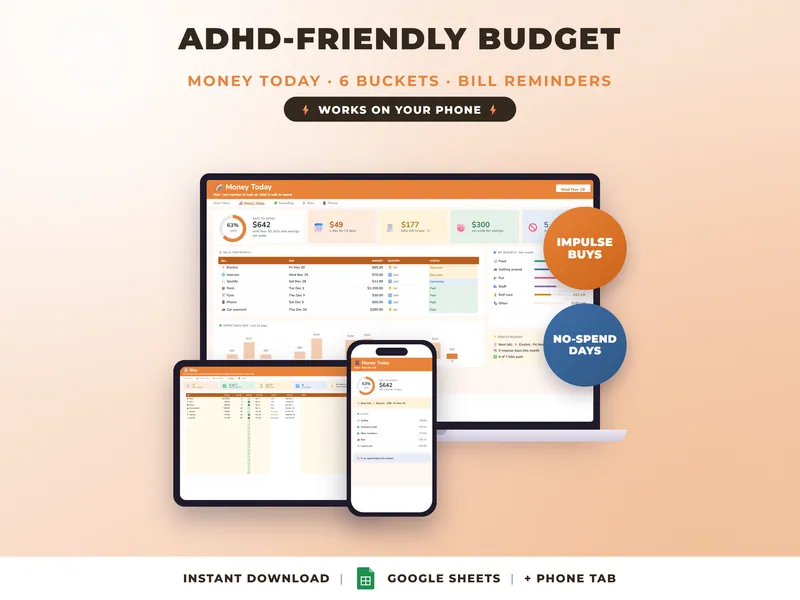
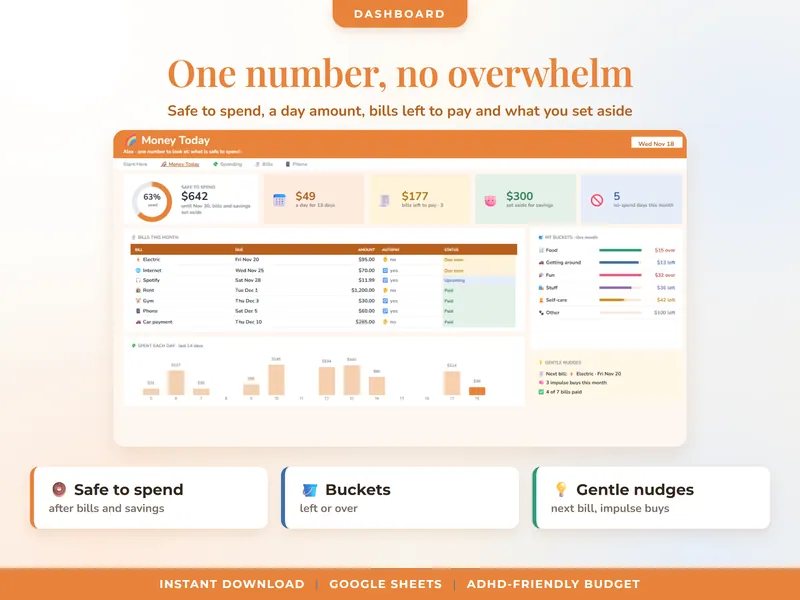
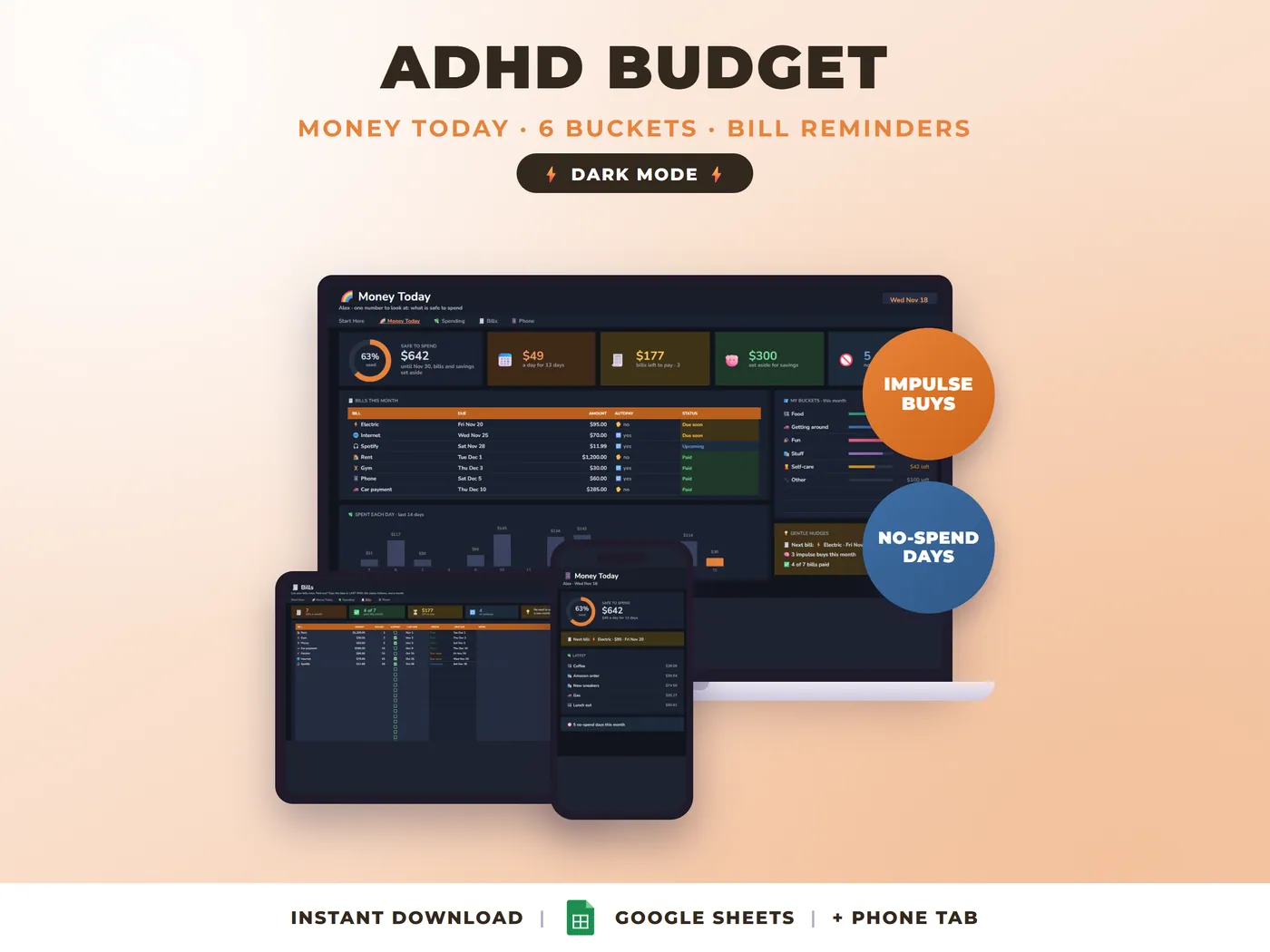
The dark mode version, easy on the eyes day and night. A budget for busy brains: one number to look at. Set your income, savings and bills once, log what you buy in three taps and Money Today shows what is safe to spend, after bills and savings.
Step by step
How It Works
- 01
Set it up: your take-home pay, what you set aside for savings and 6 spending buckets
- 02
List your bills once with their due day. Paid one? Type the date: the status follows, every month
- 03
Log each buy: what, which bucket, how much. Planned or impulse, no judgment
5 parts
What's inside
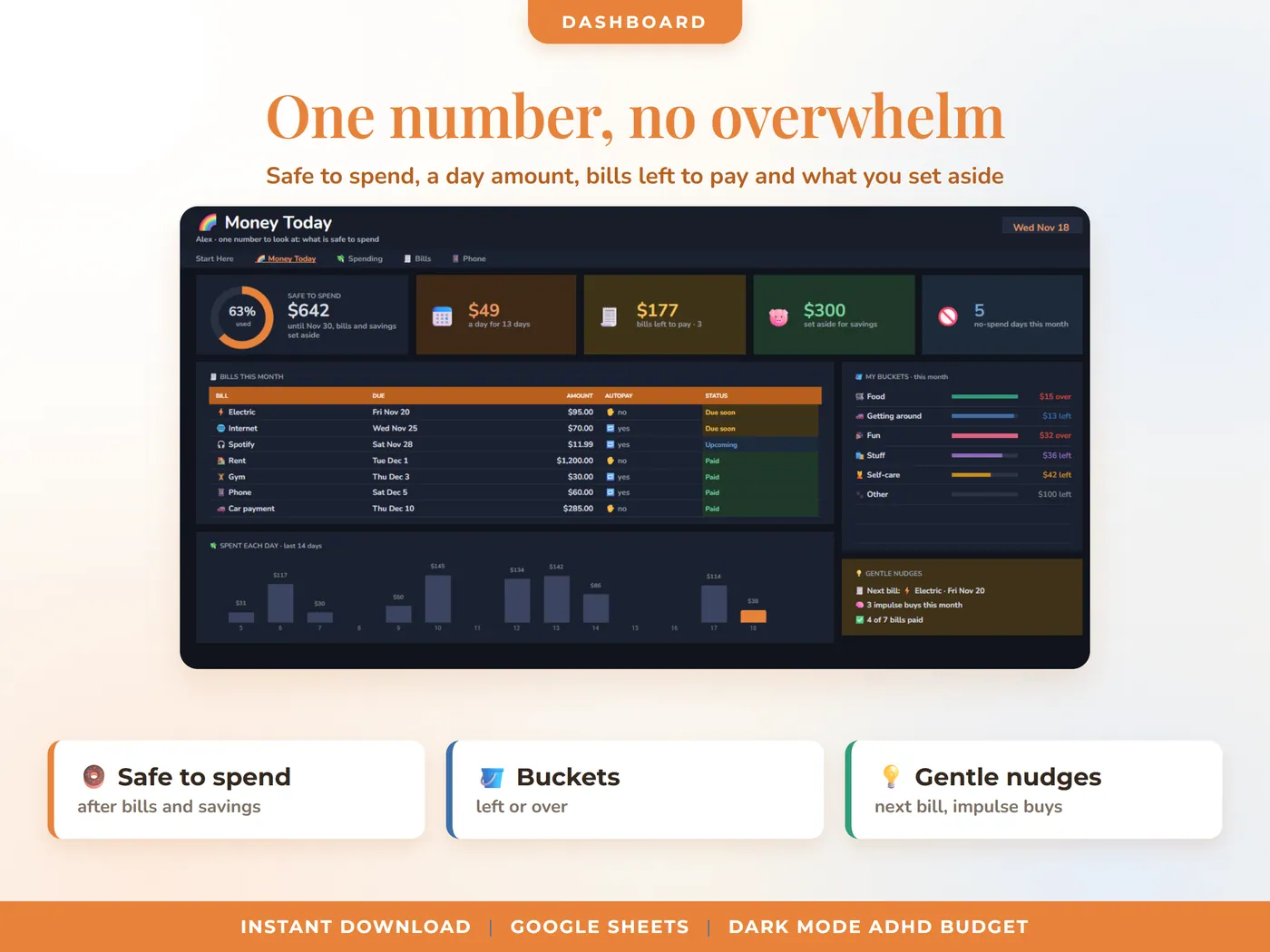
Safe to spend ring, a day amount, bills left to pay, savings set aside, no-spend days, bills this month, buckets, spent each day and gentle nudges
One line per buy with bucket and kind (planned or impulse)
Your bills listed once with due day, autopay box, last paid date, status and next due date
Your income, savings and 6 buckets with a monthly limit
Made for your phone. Safe to spend and the next bill
Good to know
Works on computer, tablet and phone, in the free Google Sheets app.
Amounts in US dollars. Made for Google Sheets, not Excel.
A budgeting tool, not medical or financial advice.
The dark theme is built into the sheet: nothing to switch on.
What You Get
- A PDF with your link to make your own copy, plus a quick start guide. You need a free Google account. Pay once, no subscription, private in your own Google Drive. The names and numbers in the photos are examples: your copy starts empty.
- Digital download, nothing will be shipped. No returns on digital items. For personal use only.
Delivered instantly · $2.99 · pay once